*THIS IS A TRINITY APPROVED COMMUNICATION*


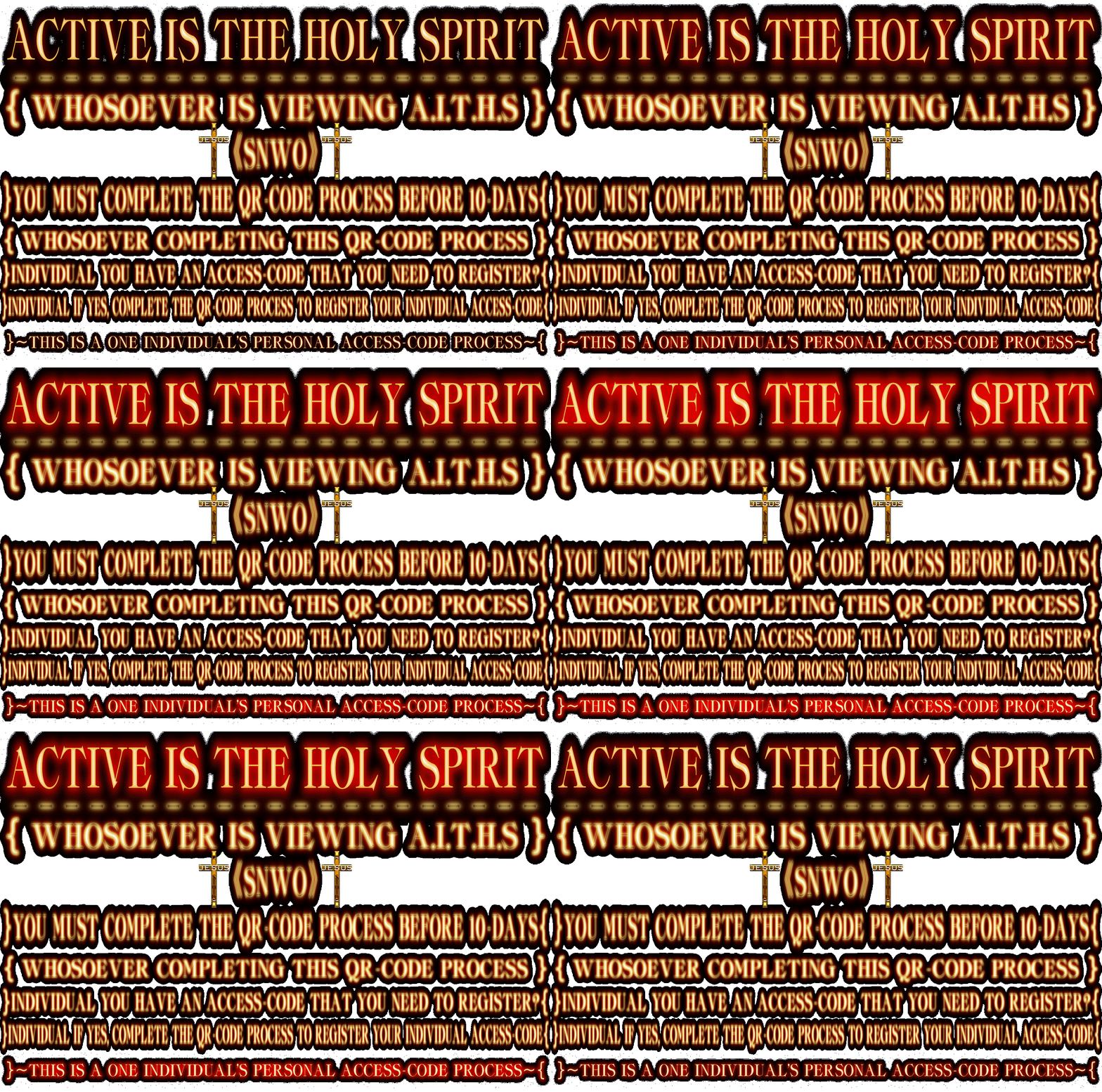
|
Click The WhatsApp To Create Your WhatsApp Account. Use Your Cell Phone Camera To Scan The WhatsApp QR-CODE. IT'S THAT EASY; YOU CAN DO IT...
|
|
NOTE: Your WhatsApp Account Must Be Connected To Your Primary Cell Phone Number To Create Your WhatsApp Account. Your WhatsApp Account Primary Source Phone Number Will Be Associated With Your Access-Code. Your Cell Phone Number That WhatsApp Will Accept Must Be Provided By A Major Phone Company Such As:
|
 |
 |
 |
 |
Or Other Cell Phone Companies That Provide Phone Plans; Or YOUR ACCESS-CODE Will Not Be Registered. Thank You.
[ SCANNING THE WHATSAPP QR-CODE ]
When You Scan The WhatsApp QR-CODE Below Using Your Cell Phone Camera.
The QR-CODE Will Open Up The Compose Text Area For You To Complete.
Please Answer The Six Questions Below Needed To Register Your Access-Code.
|
1-What Is Your Access-Code?: 2-What Is Your Age?:
3-What
Is Your Gender?:
4-What
Is Your E-Mail Address To Receive Your Access-Code Confirmation?: |
The Numbers: 1, 2, 3, 4, 5, 6 Are Pre Filled In The WhatsApp QR-CODE For You To Just Type In Your Answers.
After Completion, Send Your WhatsApp Text. Your Information Will Be Processed For Approval.
Upon Approval, Reply WhatsApp Text And E-Mail Confirmation Will Be Sent To You.
Thank You, And GOD Will Bless You...

And Complete The Information 1 Through 6 And Send Your WhatsApp Text Access-Code Registration. Thank You.
|
|
You Must Be Of Legal 18-Years Of Age Or Older To Register Your Access-Code...